
The Definitive Everything Guide on How to Write Release Notes for Your Product
How to write a customer release note: the sections to include, how to handle features, fixes, and known issues, and how to publish one draft to your changelog, product, and email.
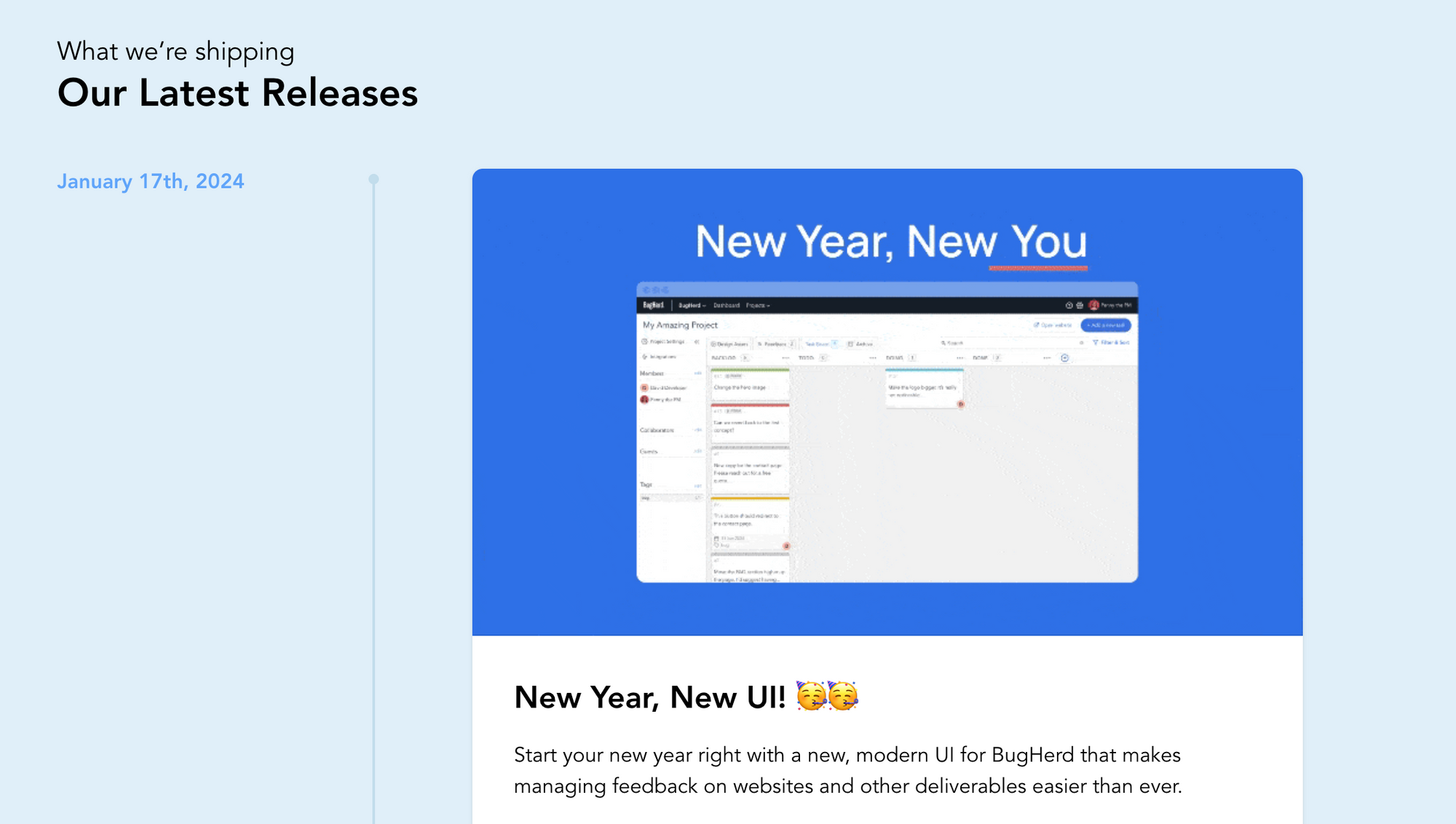
A release note is the update you publish when the product changes. It tells a specific reader what is different, why they should care, and what they need to do. Support reads it. Evaluators read it. The customer who missed the last three months reads it.
This is the long version of how to write one. If you want a page you can paste into, use the templates. If you are deciding whether this document should also be your engineering history, read changelog vs. release notes first.
Who it is for
Write to one reader per note.
- End users care about the task they were already doing.
- Admins and developers care about settings, APIs, permissions, and dates something will be removed.
- Internal stakeholders care about what shipped, what did not, and what support is about to be asked.
- A private audience (a single customer, partners, or the company) needs the same clarity, on a page that is not public.
If two of those readers need different actions, publish two notes. Do not average them into a paragraph neither one can use.
On a small team the author is usually a founder, a product manager, or the developer who shipped the change. You do not need a product marketer. You do need someone who will delete a sentence that is only true internally.
The sections that belong in the note
Use this order. Skip a section when it is empty.
| Section | What goes in it |
|---|---|
| Title | The outcome in the reader’s language |
| Date and version | When this became true |
| Summary | Who is affected, and whether they must act |
| New | Capabilities they did not have |
| Improved | Existing behavior that changed |
| Fixed | Symptoms that stopped |
| Action | Numbered steps, or “No action required” |
| Known issues | What is still broken, and any workaround |
| Learn more | One doc, one screenshot, or both |
The summary is the only paragraph you should assume they will finish. If the note has a breaking change, the summary is the action and the date, not the list of enhancements.
Write the feature as a task, not a component
A new feature is an announcement of something the reader can now finish. Name the task, the entry point, and the limit.
You can set a future publish date and prepare the update before that day. Email is not sent automatically. You send it after the release is live, once you have previewed it.
That is enough. The design history, the internal name, and the list of teams who asked for it do not help the reader complete the task. If you have a screenshot, show the date control, not the whole application.
Ship the feature note the day the feature is available. A note that trails the UI by two weeks trains people to ignore the changelog, because the product is already teaching them the change.
Write the fix as the symptom
Bug notes fail when they describe the patch. “Null-check the filter parser” means nothing to the person who saw a blank page. Write the symptom they would put in a support ticket, then say it is resolved.
Filtering a project by a tag that had been deleted showed an empty page. The page now shows the remaining projects and drops the missing tag from the filter.
Include the fix when the reader might have built a workaround. Tell them they can stop using the workaround. If the bug was rare and invisible, a changelog line is enough and a customer email is optional.
Known issues are part of the note
A known issue is a promise that you have seen the problem and the reader is not imagining it. Include:
- The condition (“only when SSO is required”)
- The effect (“the popup does not open”)
- The workaround, if one exists
- Whether the next release is expected to fix it, and only if that date is real
Do not hide a known issue at the bottom of a launch note and hope the screenshot carries the page. If the issue blocks the feature you just announced, it goes in the summary.
Plain language, with the technical line where it belongs
Match the vocabulary to the reader you picked above. End users get button names. API consumers get field names. Neither group should have to decode a codename.
A practical test: could the reader follow the action line with the product open and no one from your company on a call? If the line says “enable the new pipeline”, and the UI says “Publish”, the note is not done.
Jokes and brand voice are fine after the instruction. They are expensive before it. The reader is here to find out if they need to act.
Formatting that survives skimming
- One H1, the title. Further headings only for the sections in the table above.
- Bullets for lists of changes. Prose for the summary and the action.
- Bold the date in a breaking change. Do not bold whole paragraphs.
- One image, with a caption that states what the reader is looking at.
- Links that go to the doc for this feature, not to the marketing homepage.
Consistency matters more than inventiveness. A reader who checks the changelog monthly should find the action line in the same place every time. The examples from Slack, Apple, monday.com, and Samsung are four different voices with the same discipline.
Publishing is part of writing
A note nobody sees is a draft. Decide the channel when you decide the reader.
| Channel | Use it for |
|---|---|
| Hosted changelog | The durable history. Every public note should land here. |
| Custom domain | The same history, on a hostname you own (Business). |
| In-app popup, unread badge, or banner | Readers who live in the product and will not visit a blog (Teams and Business). |
| Subscribers who asked for it. Preview, then send. Publishing does not send the email. | |
| Slack | The team that ships the product, or a customer channel you already use for updates. |
| RSS | People who follow the changelog in a reader. Hosted release sites include a feed. |
| Private release | Authenticated readers only (Business). |
Free plans get a hosted site for one teammate, with the five most recent releases from the last 90 days and the standard theme. Those public changelogs are not indexed by search engines. Teams and Business can allow indexing, add teammates, and remove the history cap. Confirm the current limits on pricing before you promise a plan detail inside a note.
How to tell if the notes are working
Read them the way a customer does, then look at behavior you can actually count.
- Can a new teammate explain the latest change after reading only the summary?
- Do support tickets repeat questions the last note already answered? If yes, the action line is in the wrong place or the wrong words.
- Are people opening the hosted page, the widget, and the email? Teams and Business include view counts across the hosted site, the widget, the API, and email, plus subscriber reporting.
- Are reactions collecting on the release? Teams and Business let readers leave a simple sentiment response. A string of negative reactions on a “small fix” is a signal the note undersold the impact, or the fix missed.
Stephen at BugHerd has said the ReleaseNotes AI draft cut their update time by 80%. Time saved is a real outcome. It is not a substitute for someone reading the draft before it goes out. The review is the step that catches a wrong action line. Do not skip it because the draft arrived quickly.
A writing process that fits a sprint
- Collect the source. Pull requests, closed issues, and finished sprint items. This is the raw changelog, not the note.
- Pick the reader and the template. Feature, fix, or breaking change. One reader.
- Draft. By hand, or with an agent. ReleaseNotes exposes an MCP server so Claude, ChatGPT, Cursor, and other compatible tools can work with your projects, releases, and recent activity. The draft should come back in your voice, as a release saved for review, not as a message already sent.
- Review. Read the action line. Remove internal names. Confirm plan limits, dates, and screenshots. The editor is where you fix imagery and wording. AI does not publish for you.
- Publish. The hosted changelog updates. Turn on the in-app widget if you use one. Post to Slack if the team expects it there.
- Email, if you mean to. Subscribers on Teams and Business opt in through the hosted form. You send the release to that list as its own action.
- File the leftover. Known issues and anything that did not ship go to the next note’s source list, not into this one as speculation.
Teams and Business can connect Jira, GitHub, Azure DevOps, and the API so step 1 is not a copy-paste from three browser tabs. Slack and Zapier cover the handoff after publish. None of those connections replace step 4.
FAQ
How often should we publish? Whenever the product changed in a way the chosen reader would notice. A weekly team can batch UI fixes into one note. A breaking change or a security fix should not wait for the batch.
Do we write one if nothing user-facing shipped? Write the changelog line so the history stays true. Skip the customer email. A note that says “internal maintenance only, no action required” is worth publishing if your readers have learned to look for gaps.
Can the same text feed the changelog, the widget, and the email? Yes. Write it once, review it once, and send each channel from that release. Edit the email if the subject line needs to be shorter than the note title, but do not keep a second full copy in a doc.
What if we are embarrassed by the fix? Write the symptom and the resolution. A short, direct note creates fewer support tickets than a week of silence. Skip the apology paragraph unless you caused people to lose work, in which case say what happened and what you did, then stop.
Where should the notes live? On a URL you can send in a support reply. A hosted changelog does that immediately. Move it to your own domain when the brand requires it. Keep the engineering detail in the repo or the issue tracker, linked from the note when an admin will need it.
The next note is the one that matters. Pick the reader, fill the summary, and publish it while the change is still news.